

What is the best gaming monitor for streaming games?
When it comes to streaming games, having the right gaming monitor can make all the difference. As a gaming monitor supplier, I've had the privilege of working with a wide range of monitors, each with its own set of features and benefits. In this blog post, I'll share my insights on what makes the best gaming monitor for streaming games and recommend some top options.
Key Features to Consider
1. Resolution
The resolution of a monitor determines the clarity and detail of the images it displays. For streaming games, a higher resolution is generally better as it allows viewers to see more of the game world and read in - game text clearly. The most common resolutions for gaming monitors are 1080p (1920x1080), 1440p (2560x1440), and 4K (3840x2160).
1080p monitors are still popular due to their affordability and wide compatibility with gaming systems. However, for a more immersive and detailed streaming experience, 1440p or 4K monitors are recommended. 1440p offers a significant improvement in image quality over 1080p, while 4K provides the ultimate in sharpness and clarity, especially for larger - sized monitors.
2. Refresh Rate
The refresh rate of a monitor refers to how many times per second the screen updates with new images. A higher refresh rate results in smoother motion, which is crucial for fast - paced games. Most gaming monitors come with refresh rates of 60Hz, 144Hz, 240Hz, or even higher.
For streaming games, a refresh rate of at least 144Hz is recommended. This ensures that the gameplay looks fluid and reduces motion blur, making it easier for viewers to follow the action. Monitors with 240Hz or higher refresh rates are ideal for competitive gamers who need the fastest response times.
3. Response Time
Response time is the time it takes for a pixel on the monitor to change from one color to another. A lower response time means less motion blur and ghosting, which is especially important in fast - moving games. Response times are typically measured in milliseconds (ms), and for gaming monitors, a response time of 1 - 4ms is considered good.
4. Panel Type
There are several types of monitor panels available, including TN (Twisted Nematic), IPS (In - Plane Switching), and VA (Vertical Alignment).
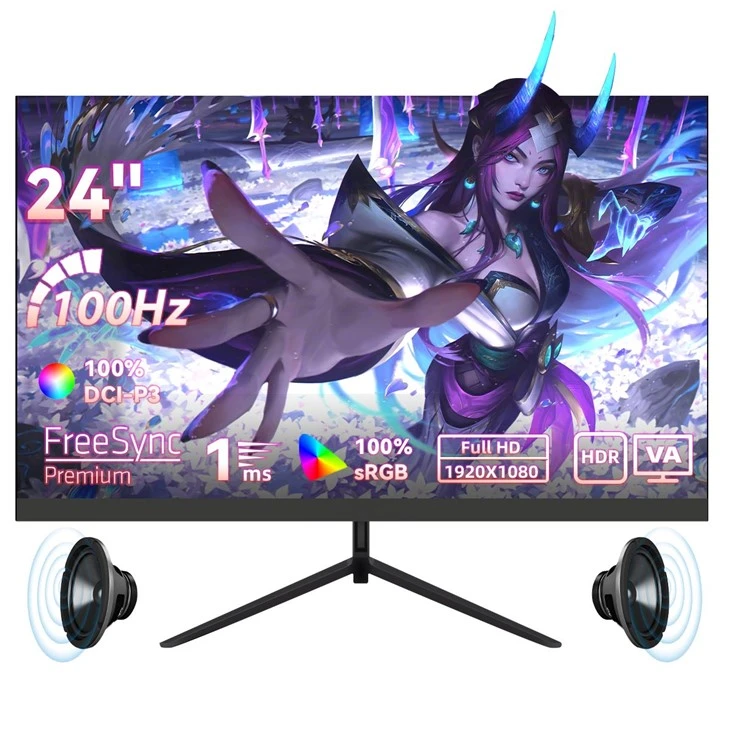
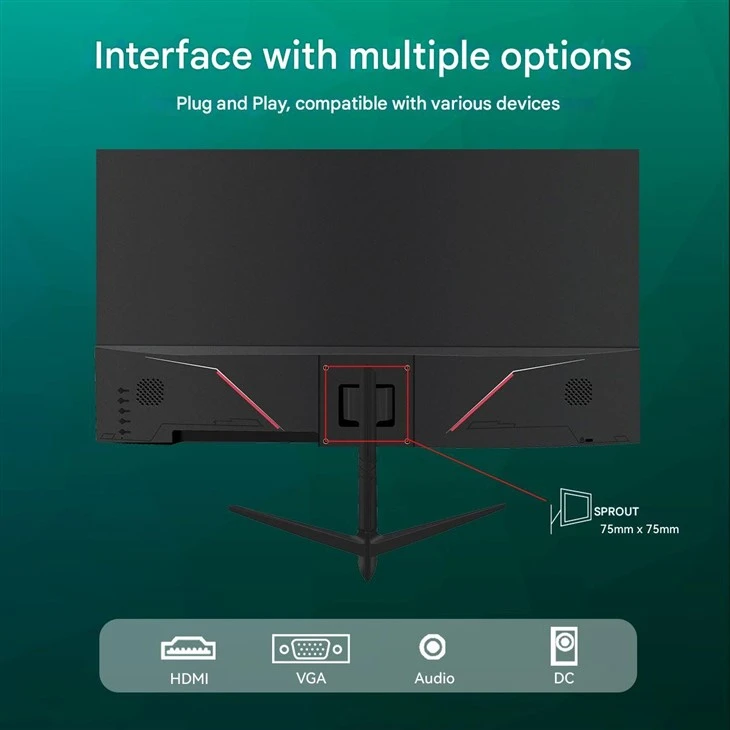
- TN Panels: TN panels are known for their fast response times and high refresh rates, making them a popular choice for competitive gaming. However, they often have limited viewing angles and poor color accuracy.
- IPS Panels: IPS panels offer excellent color accuracy, wide viewing angles, and good contrast ratios. They are a great all - around choice for gaming and streaming, as they provide a more vibrant and accurate image. However, they may have slightly slower response times compared to TN panels.
- VA Panels: VA panels combine the best of both worlds, offering high contrast ratios and decent color accuracy. They are a good option for gamers who want a balance between image quality and performance.
5. Size
The size of the monitor is also an important consideration. Larger monitors provide a more immersive gaming experience, but they may also require more desk space. For streaming games, a monitor size of 24 - 32 inches is a popular choice.
A 24 - inch monitor is a good option for those with limited desk space or who prefer a more focused gaming experience. It offers a good balance between size and performance. A 27 - inch monitor is a versatile choice that provides a larger viewing area without taking up too much space. And a 32 - inch monitor is ideal for gamers who want the ultimate in immersion, especially when playing games on a high - resolution display.
Recommended Gaming Monitors for Streaming
1. 24 Inch IPS Gaming Monitor, Direct Factory
If you're looking for a compact yet high - performance gaming monitor, the 24 Inch IPS Gaming Monitor, Direct Factory is a great option. This monitor features an IPS panel, which provides excellent color accuracy and wide viewing angles. It also has a high refresh rate of 144Hz and a fast response time of 1ms, ensuring smooth and fluid gameplay. The 24 - inch size is perfect for those with limited desk space, and it offers a great balance between performance and portability.
2. 27 - Inch Curved Gaming Monitor Factory Price
For a more immersive gaming experience, the 27 - Inch Curved Gaming Monitor Factory Price is an excellent choice. The curved design of the monitor wraps around your field of view, creating a more immersive and engaging gaming environment. It comes with a high - resolution 1440p display, a 144Hz refresh rate, and a 1ms response time. The IPS panel ensures accurate colors and wide viewing angles, making it suitable for both gaming and streaming.
3. 32 - Inch Curved Gaming Monitor, Factory Price
If you want the ultimate in immersion, the 32 - Inch Curved Gaming Monitor, Factory Price is the way to go. This large - sized monitor features a 4K resolution, a 144Hz refresh rate, and a 1ms response time. The curved design and high - resolution display provide a truly cinematic gaming experience. The IPS panel offers excellent color accuracy and wide viewing angles, making it perfect for streaming games to a large audience.
Conclusion
Choosing the best gaming monitor for streaming games depends on your specific needs and preferences. Consider factors such as resolution, refresh rate, response time, panel type, and size when making your decision. Whether you're a casual gamer or a professional streamer, there's a gaming monitor out there that's perfect for you.
If you're interested in purchasing a gaming monitor for streaming games, I encourage you to reach out to us. We offer a wide range of high - quality gaming monitors at competitive prices. Our team of experts can help you find the perfect monitor to meet your needs and ensure that you have the best possible streaming experience. Contact us today to start the procurement negotiation process and take your gaming streaming to the next level.
References
- "Gaming Monitor Buying Guide." Tom's Hardware.
- "The Best Gaming Monitors." PCMag.
- "How to Choose a Gaming Monitor." TechRadar.