

What is the pixel density of a smart board for the classroom?
Pixel density, often measured in pixels per inch (PPI), is a crucial specification when it comes to smart boards for the classroom. As a leading supplier of smart boards for educational institutions, I've witnessed firsthand how pixel density can significantly impact the learning experience. In this blog post, I'll delve into what pixel density means, why it matters in a classroom setting, and how to choose the right pixel density for your smart board.
Understanding Pixel Density
Pixel density refers to the number of pixels contained within one inch of a display. A higher pixel density means more pixels are packed into each square inch of the screen, resulting in a sharper and more detailed image. For example, a smart board with a high PPI will display text, images, and videos with greater clarity, making it easier for students to see and understand the content being presented.
To calculate pixel density, you need to know the screen's resolution (the number of pixels horizontally and vertically) and its physical size (measured diagonally in inches). The formula for calculating PPI is as follows:
[ PPI = \sqrt{\frac{Horizontal\ Pixels^2 + Vertical\ Pixels^2}{Diagonal\ Size^2}} ]
Let's take an example of a 65 - inch smart board with a resolution of 3840 x 2160 pixels (4K resolution). Using the formula above, we can calculate its pixel density:
[ PPI=\sqrt{\frac{3840^2 + 2160^2}{65^2}}\approx 67 ]
This calculation gives us an idea of how sharp the image on the smart board will be. A higher PPI generally means a better - looking image, but other factors such as the quality of the display technology and the viewing distance also play important roles.
Why Pixel Density Matters in the Classroom
In a classroom environment, pixel density can have a profound impact on the effectiveness of teaching and learning. Here are some key reasons why it is so important:
1. Readability of Text
One of the primary uses of a smart board in the classroom is to display text, including lesson notes, worksheets, and presentations. A smart board with a low pixel density may make the text appear blurry or pixelated, especially when viewed from a distance. This can make it difficult for students, especially those in the back rows, to read and understand the content. On the other hand, a high - pixel - density smart board ensures that text is crisp and clear, enhancing readability and comprehension.
2. Clarity of Images and Videos
Educators often use images and videos to illustrate concepts and engage students. A smart board with a high pixel density can display these visual elements with greater accuracy and detail. For example, in a science class, a high - resolution image of a cell structure or a historical video can be more effectively presented on a smart board with a high PPI, allowing students to observe and analyze the details more clearly.
3. Interactive Learning
Many modern smart boards support interactive learning activities, such as touch - based games, quizzes, and collaborative projects. A high - pixel - density display provides a more immersive and engaging experience for students. When students interact with the smart board using their fingers or a stylus, they can see the results of their actions more clearly, which enhances the overall learning experience.
Choosing the Right Pixel Density for Your Classroom
When selecting a smart board for your classroom, it's important to consider the specific needs and requirements of your educational institution. Here are some factors to keep in mind:
1. Classroom Size
The size of the classroom plays a significant role in determining the appropriate pixel density. In a large classroom, students may be sitting farther away from the smart board. In this case, a higher pixel density is recommended to ensure that the content on the board is visible and clear from all seats. Conversely, in a smaller classroom, a slightly lower pixel density may be sufficient.
2. Type of Content
The type of content that will be displayed on the smart board also affects the choice of pixel density. If your school primarily uses text - based materials, a moderately high pixel density may be adequate. However, if you plan to use a lot of high - resolution images, videos, and 3D models, a smart board with a very high pixel density will be more suitable.
3. Budget
Higher - pixel - density smart boards generally come with a higher price tag. It's important to balance your budget with the desired pixel density. At our company, we offer a range of smart boards with different pixel densities to meet various budgetary constraints. For example, our Factory Price 65'' 4K Touchscreen Whiteboard provides a great combination of high - quality display and affordability.
Our Product Range and Pixel Densities
As a supplier of smart boards for the classroom, we offer a diverse range of products with different pixel densities to suit different educational needs.
Our entry - level smart boards typically have a pixel density in the range of 50 - 60 PPI. These are suitable for smaller classrooms where the viewing distance is relatively short and the content is mainly text - based. They offer good value for money and are a popular choice for schools on a tight budget.
Our mid - range smart boards have a pixel density of around 60 - 70 PPI. These boards can display a wider variety of content, including high - quality images and videos, with good clarity. They are suitable for medium - sized classrooms and are a great option for schools that want to upgrade their teaching technology without breaking the bank.
For the most demanding educational environments, we offer high - end smart boards with a pixel density of 70 PPI or higher. These boards are capable of delivering stunningly sharp images and videos, making them ideal for large classrooms, science labs, and art studios. They provide an immersive learning experience that can greatly enhance student engagement and understanding.
Conclusion
Pixel density is a critical factor to consider when choosing a smart board for the classroom. It affects the readability of text, the clarity of images and videos, and the overall interactive learning experience. By understanding your classroom's specific needs, such as size, content requirements, and budget, you can select a smart board with the appropriate pixel density.

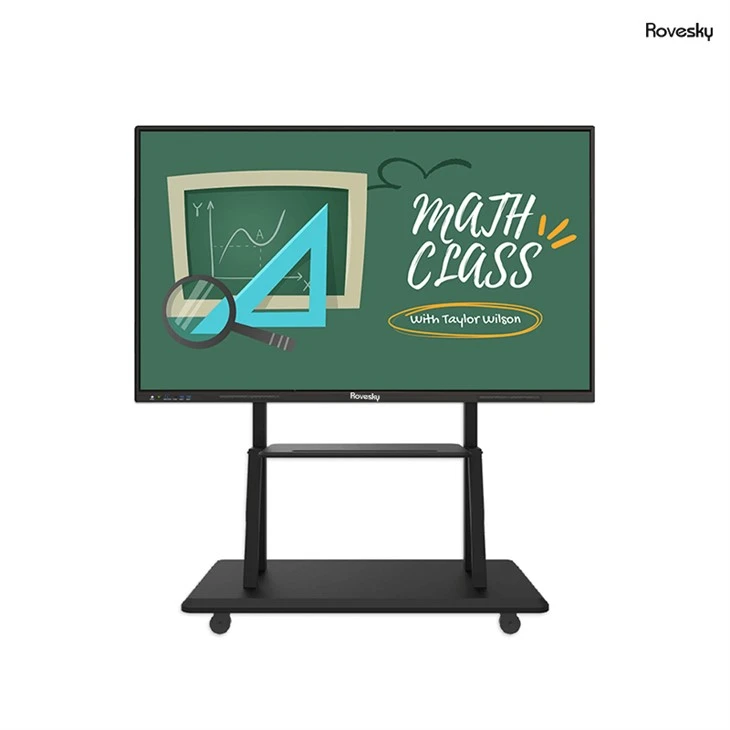
At our company, we are committed to providing high - quality smart boards for the classroom. Our products are designed to meet the diverse needs of educational institutions, offering a range of pixel densities at competitive prices. If you're interested in learning more about our smart boards or would like to discuss your specific requirements, we encourage you to contact us for a procurement consultation. We look forward to helping you create an engaging and effective learning environment with our smart board solutions.
References
- "Display Technology Basics" by DisplayMate Technologies
- "The Impact of Visual Display Quality on Learning Outcomes" in Journal of Educational Technology Research