

What is the input lag of a smart board for the classroom?
Hey there! As a supplier of smart boards for the classroom, I often get asked about input lag. It's a crucial factor, especially when it comes to educational settings. So, let's dive right in and figure out what input lag in a classroom smart board really means.
What Exactly is Input Lag?
Input lag is the delay between when you interact with the smart board - like touching it to write or click - and when the action actually shows up on the screen. Think of it as a small time gap between what you do and what you see happening on the board. In a classroom, even a tiny bit of input lag can cause problems. For students, it can disrupt the flow of taking notes or working on interactive activities. Teachers may find it frustrating when trying to demonstrate something in real - time.
Why Does Input Lag Matter in the Classroom?
In a classroom, every second counts. When students are engaged in a math problem, writing an essay, or doing a science experiment on the smart board, they need instant feedback. If there's a delay, it can break their concentration. For example, a student might write a word on the board, but because of input lag, the letters appear a split - second later. This can lead to mistakes and a less efficient learning experience.
Teachers also rely on smooth interaction with the smart board. They use it to present lessons, show videos, and conduct quizzes. A high input lag can make it difficult to keep the class engaged. If a teacher clicks on a link and there's a noticeable delay, the momentum of the lesson can be lost.
Factors That Affect Input Lag in Classroom Smart Boards
There are several things that can cause input lag in a smart board. One of the main factors is the technology used in the touch - sensing mechanism. Some smart boards use resistive touch technology, which can have a bit more lag compared to capacitive touch technology. Capacitive touch is generally faster and more responsive because it can detect multiple touches at once and has a quicker reaction time.
The processing power of the smart board also plays a big role. If the board has a slow processor, it will take longer to process the input and display it on the screen. This is similar to how a slow computer can take a while to open a program.
Another factor is the connection between the smart board and other devices. If the board is connected to a computer or a projector via a slow or unstable cable, it can add to the input lag. For example, using an old VGA cable instead of a high - speed HDMI cable might cause delays.
Measuring Input Lag
Measuring input lag isn't always straightforward. There are a few ways to do it. One common method is to use a specialized tool that measures the time between the input and the output on the screen. However, in a classroom setting, teachers and students can also get a sense of the input lag just by using the smart board. If they notice a delay when writing or clicking, that's a sign of input lag.
Manufacturers usually provide information about the input lag of their smart boards. They might list it in milliseconds (ms). A lower number means less lag. For classroom use, an input lag of less than 50 ms is generally considered good. Anything higher than that can start to be noticeable and affect the user experience.
Our Smart Boards and Input Lag
At our company, we understand the importance of low input lag in the classroom. That's why we've put a lot of effort into developing smart boards with minimal delay. Our smart boards use the latest capacitive touch technology, which provides a fast and responsive touch experience.
We also make sure that our smart boards are equipped with powerful processors. This allows them to quickly process the input and display it on the screen without any significant delay. And when it comes to connectivity, we recommend using high - speed cables like HDMI to ensure a smooth connection between the smart board and other devices.
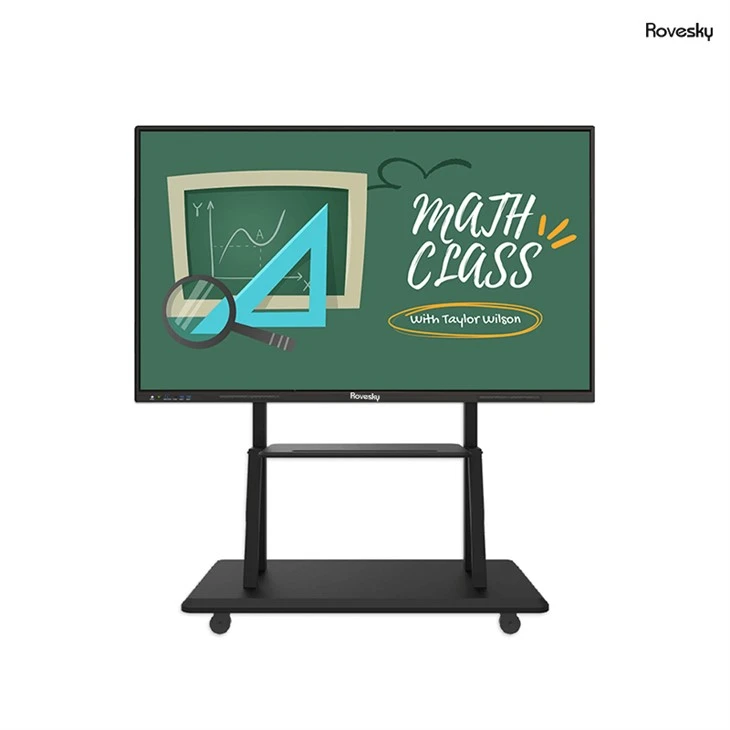
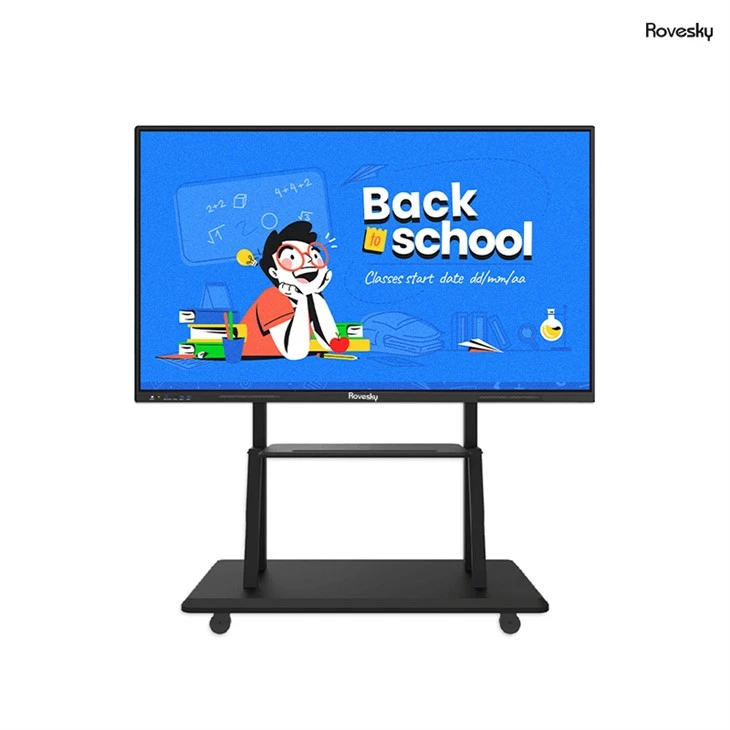
If you're looking for a high - quality smart board with low input lag, check out our Factory Price 65'' 4K Touchscreen Whiteboard. It's designed specifically for classroom use and offers a great balance of performance and affordability.
Benefits of Low Input Lag Smart Boards
Smart boards with low input lag offer a bunch of benefits in the classroom. First of all, they enhance the learning experience. Students can focus on the content instead of being distracted by delays. They can write, draw, and interact with the board just like they would with a pen and paper.
For teachers, low input lag smart boards make it easier to manage the classroom. They can quickly switch between different teaching materials, conduct live polls, and engage students in interactive activities. This leads to a more dynamic and effective learning environment.
How to Choose a Smart Board with Low Input Lag
When you're in the market for a smart board for your classroom, here are a few things to keep in mind. First, look for a board that uses capacitive touch technology. It's generally more responsive than other types of touch technology.
Check the specifications of the smart board to see what the input lag is. As I mentioned earlier, a lower number in milliseconds is better. Also, consider the processing power of the board. A board with a faster processor will be able to handle input more quickly.
Don't forget about connectivity. Make sure the smart board has the right ports and supports high - speed cables. This will help reduce any potential lag caused by a slow connection.
Conclusion
Input lag is an important factor to consider when choosing a smart board for the classroom. It can have a big impact on the learning experience for students and the teaching process for teachers. At our company, we're committed to providing smart boards with low input lag. Our Factory Price 65'' 4K Touchscreen Whiteboard is a great option for schools looking for a reliable and high - performance smart board.
If you're interested in learning more about our smart boards or have any questions about input lag, don't hesitate to reach out. We're here to help you make the best choice for your classroom. Let's work together to create a more engaging and efficient learning environment.
References
- "Touchscreen Technology Basics" - TechTarget
- "How to Choose the Right Smart Board for Your Classroom" - Education Technology Magazine