

What is the frame rate of a smart board for the office?
Hey there! As a supplier of smart boards for the office, I often get asked about the frame rate of these nifty devices. So, let's dive right in and chat about what frame rate means for a smart board in an office setting.
First off, what exactly is frame rate? Well, in simple terms, frame rate refers to the number of individual frames or images that a device can display per second. It's usually measured in frames per second (fps). You might have heard this term when talking about TVs, gaming consoles, or even cameras. The same concept applies to smart boards.
A higher frame rate generally means smoother and more fluid motion on the screen. For example, if you're presenting a video or a dynamic graph during a meeting, a smart board with a high frame rate will make sure that everything looks sharp and moves seamlessly. On the other hand, a low frame rate can result in choppy visuals, which can be a real distraction during an important presentation.
So, what's a good frame rate for an office smart board? Well, it depends on how you plan to use it. If your office mainly uses the smart board for static presentations, like showing slides or documents, a lower frame rate might be okay. Something around 30 fps could work just fine. This is because there isn't a lot of fast - moving action, and the focus is more on the content itself.
But if you're into more interactive stuff, like playing videos, running simulations, or using touch - based games for team - building activities, then you'll want a higher frame rate. A frame rate of 60 fps or even 120 fps is ideal in these cases. With 60 fps, you'll notice a significant improvement in the smoothness of video playback and touch interactions. And if you go for 120 fps, well, you're in for a real treat. The visuals will be incredibly fluid, and any fast - paced content will look amazing.
Let's talk about the impact of frame rate on different office tasks.
Presentation
When you're giving a presentation, whether it's to a small team or a large audience, the last thing you want is for your slides to look jerky or for a video clip to stutter. A smart board with a decent frame rate ensures that your presentation flows smoothly. You can use animations and transitions without worrying about them looking choppy. For instance, if you're showing a product demo video, a high frame rate will make the product look more appealing and professional.
Video Conferencing
In today's world, video conferencing has become a staple in the office. A smart board with a good frame rate can make a huge difference in the quality of your video calls. You'll be able to see your colleagues' facial expressions clearly, and any shared content, like documents or presentations, will look sharp. This is especially important if you're collaborating with teams in different locations. A low frame rate can lead to pixelation and lag, which can make communication difficult.
Training Sessions
Training sessions often involve a lot of visual aids, such as videos, animations, and interactive tutorials. A high - frame - rate smart board can enhance the learning experience. Trainees will be more engaged when the content looks smooth and professional. For example, if you're training employees on new software, a high - frame - rate smart board can make the software demo more effective, as all the actions and transitions will be clear.
Now, I know what you're thinking. "A higher frame rate must mean a more expensive smart board, right?" Well, it's not always the case. At our company, we offer a range of smart boards with different frame rates to suit your budget and needs. Whether you're a small startup or a large corporation, we've got you covered.
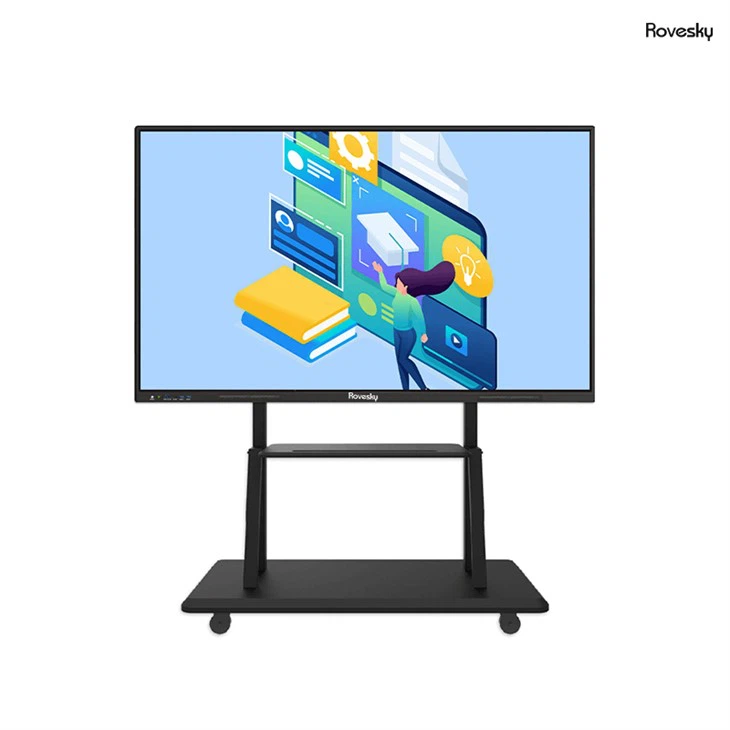
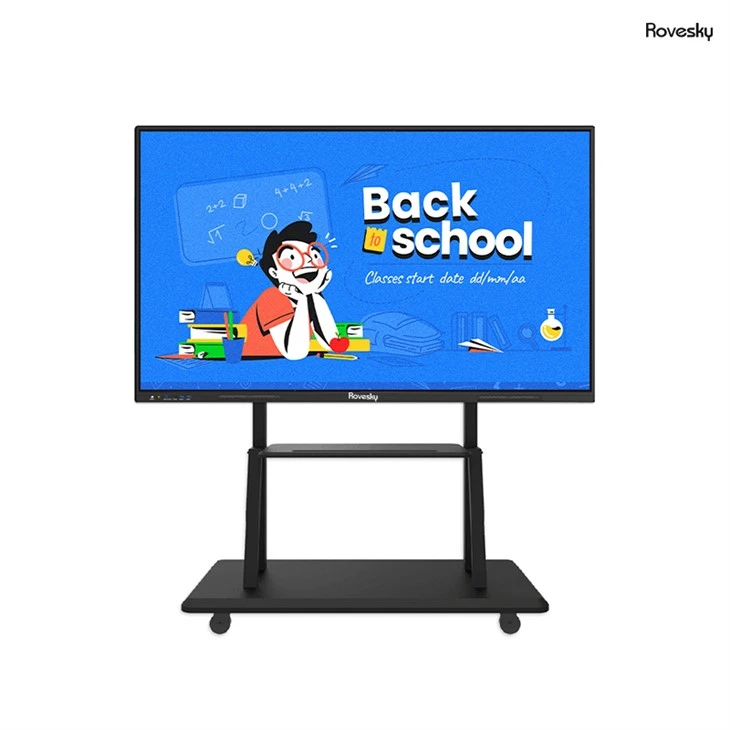
One of our popular products is the 55 Inch Interactive Flat Panel,Smart Board Manufacturer China. This 55 - inch smart board comes with a great frame rate that's perfect for most office tasks. It's suitable for presentations, video conferencing, and interactive training sessions. The high - quality display and smooth touch response make it a favorite among our customers.
So, how do you choose the right frame rate for your office smart board? Here are a few things to consider:
Budget
As I mentioned earlier, your budget plays a big role. If you're on a tight budget, you might have to compromise on the frame rate. But don't worry, even a 30 - fps smart board can still get the job done for basic tasks. On the other hand, if you have a bit more to spend, investing in a higher - frame - rate smart board can be a great long - term decision.
Usage Frequency
Think about how often you'll be using the smart board. If it's going to be used daily for a variety of tasks, then it's worth spending a bit more on a higher - frame - rate model. But if it's only going to be used occasionally, a lower - frame - rate smart board might be sufficient.
Future - Proofing
Technology is always evolving, and you want your smart board to be able to keep up. If you think you'll be using more advanced features and high - quality content in the future, it's a good idea to choose a smart board with a higher frame rate. This way, you won't have to replace it anytime soon.
In conclusion, the frame rate of a smart board is an important factor to consider when choosing one for your office. It can have a significant impact on the quality of your presentations, video conferencing, and training sessions. Whether you need a basic smart board for simple tasks or a high - end model for more advanced applications, we've got the right solution for you.
If you're interested in learning more about our smart boards or want to discuss your specific requirements, don't hesitate to reach out. We're here to help you make the best choice for your office. Contact us today to start the conversation and take your office collaboration to the next level.
References
- General knowledge about smart board technology and frame rate concepts.
- Internal research on customer usage and preferences for office smart boards.