

What is the best gaming monitor for CAD work?
Hey there, fellow CAD enthusiasts and gamers! If you're on the hunt for the best gaming monitor that can also handle CAD work like a champ, you've come to the right place. I'm a supplier of gaming monitors, and I've got the lowdown on what makes a monitor great for both gaming and CAD tasks.
Let's start by understanding what CAD work demands from a monitor. CAD, or Computer-Aided Design, involves creating detailed 2D and 3D models, blueprints, and technical drawings. You need a monitor that can display sharp, accurate colors, handle high-resolution images, and offer smooth motion for rotating and zooming in on your designs. Gaming, on the other hand, requires a monitor with a high refresh rate to reduce motion blur and provide a smooth gaming experience. So, what's the sweet spot that can satisfy both CAD and gaming needs?
Key Features to Look For
Resolution
A high-resolution monitor is a must for CAD work. It allows you to see every detail of your designs clearly. The most common resolutions for CAD monitors are 1920x1080 (Full HD), 2560x1440 (QHD), and 3840x2160 (4K). For gaming, higher resolutions can provide a more immersive experience, but they also require more powerful graphics cards to run games smoothly.
Refresh Rate
The refresh rate is measured in Hertz (Hz) and indicates how many times the monitor updates the image per second. A higher refresh rate means smoother motion, which is great for gaming. For CAD work, a refresh rate of 60Hz is usually sufficient, but if you also want to game on the same monitor, you might want to consider a monitor with a refresh rate of 120Hz or higher.
Response Time
Response time is the time it takes for a pixel to change from one color to another. A lower response time means less motion blur, which is important for gaming. For CAD work, response time is less critical, but it can still affect the overall visual experience.
Color Accuracy
CAD work requires accurate color representation to ensure that your designs look exactly as you intended. Look for monitors with a wide color gamut and high color accuracy, such as those with sRGB or Adobe RGB support.
Screen Size
The screen size you choose depends on your personal preference and the amount of desk space you have. Larger screens can provide more workspace for CAD work, but they can also be more expensive. For gaming, a larger screen can enhance the immersive experience.
Our Top Picks
Now that we know what to look for, let's take a look at some of the best gaming monitors for CAD work that we offer.
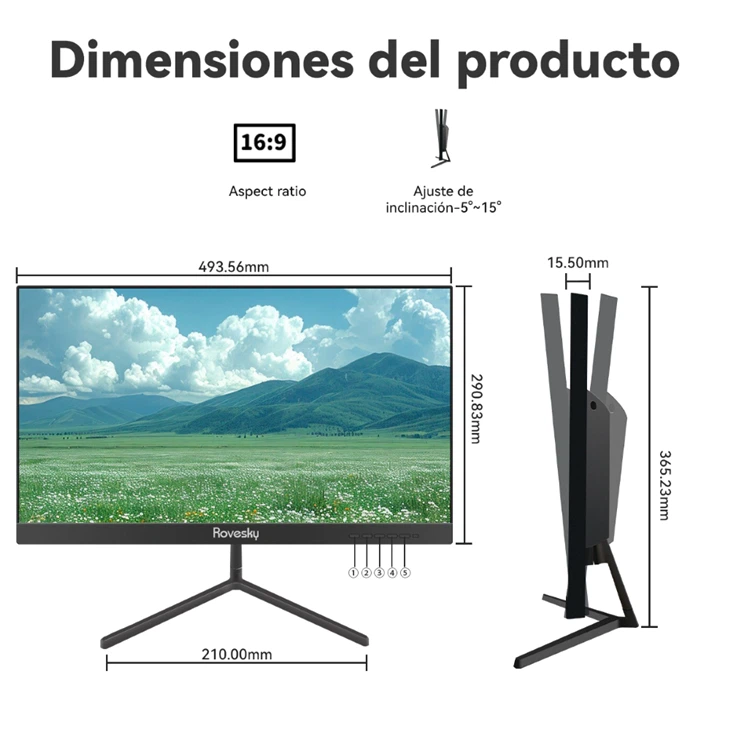
Rovesky 21.45-Inch Full HD LCD Monitor
This monitor is a great option for those who are looking for a compact and affordable monitor for both CAD work and gaming. It features a 21.45-inch Full HD (1920x1080) display with a 60Hz refresh rate and a 1.2ms response time. The monitor also offers good color accuracy, making it suitable for CAD work.
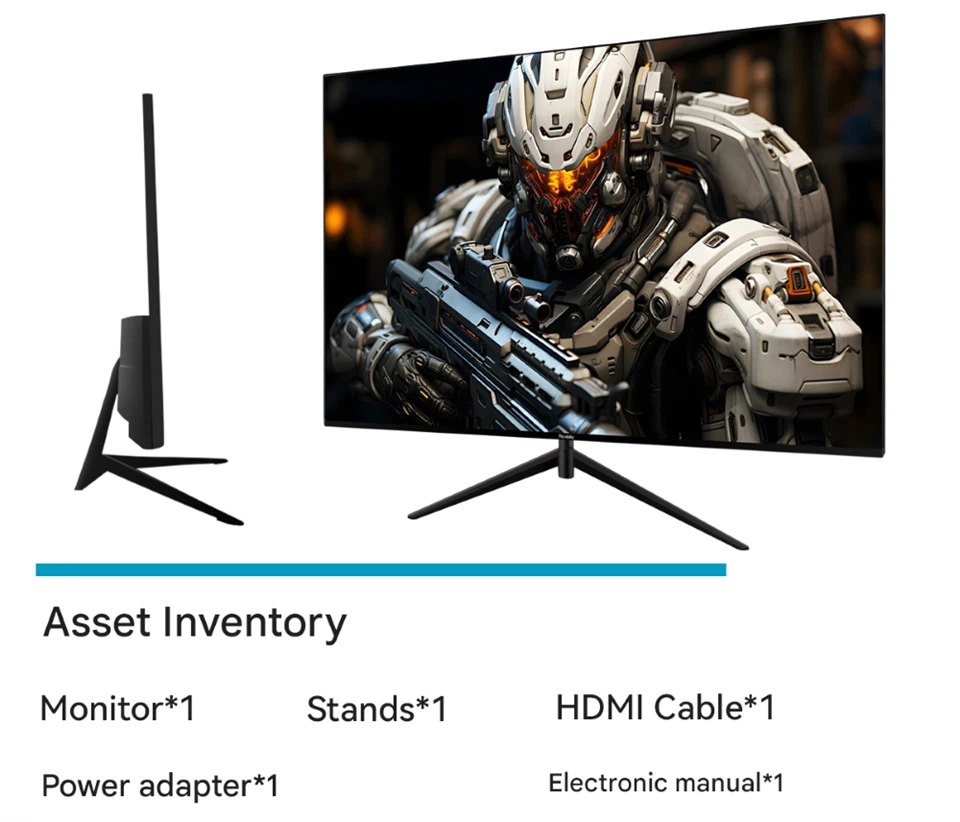
Rovesky 27-Inch Flat Gaming Monitor – 240Hz
If you're looking for a monitor with a higher refresh rate for gaming, this 27-inch flat monitor is a great choice. It features a 240Hz refresh rate, which provides incredibly smooth motion for gaming. The monitor also has a Full HD (1920x1080) resolution and good color accuracy, making it suitable for CAD work as well.
Rovesky 32-Inch Curved Gaming Monitor – 240Hz
For those who want a more immersive gaming and CAD experience, this 32-inch curved monitor is the way to go. The curved screen provides a more wraparound view, which can enhance the gaming experience. The monitor also features a 240Hz refresh rate and a QHD (2560x1440) resolution, making it suitable for both gaming and CAD work.
Conclusion
Finding the best gaming monitor for CAD work requires a balance between resolution, refresh rate, response time, color accuracy, and screen size. Our Rovesky monitors offer a range of options to suit different needs and budgets. Whether you're a professional CAD designer or a casual gamer, we've got you covered.
If you're interested in purchasing one of our monitors or have any questions, feel free to reach out to us for a procurement discussion. We're here to help you find the perfect monitor for your needs.
References
- "Computer-Aided Design (CAD) Monitors: What You Need to Know." TechRadar.
- "The Best Monitors for Gaming and CAD Work." PCMag.