

What are the viewing angles of a smart board in the classroom?
Hey there! As a supplier of smart boards for classrooms, I often get asked about the viewing angles of these amazing devices. So, I thought I'd sit down and write a blog post to share some insights on this topic.
First off, let's talk about why viewing angles matter in a classroom setting. In a typical classroom, you've got students sitting all over the place - in the front, at the back, and along the sides. A good viewing angle ensures that every student can clearly see what's being displayed on the smart board, no matter where they're sitting. This is super important for effective teaching and learning. If students can't see the content properly, they're likely to miss out on important information, which can affect their understanding and performance.
Now, what exactly are viewing angles? Viewing angles are measured in degrees and refer to the maximum angle from which you can view the screen of the smart board and still see a clear, undistorted image. There are usually two types of viewing angles: horizontal and vertical. The horizontal viewing angle is the angle from side to side, while the vertical viewing angle is the angle from top to bottom.
Most modern smart boards for classrooms have pretty wide viewing angles. For example, many of the models we offer have horizontal viewing angles of around 170 degrees or more. This means that students sitting at the sides of the classroom can still see the screen clearly without any significant loss of image quality. The vertical viewing angles are also quite good, typically around 160 degrees or so. This is great for students sitting at the front or back of the class, as they can look up or down at the screen without experiencing much distortion.
But why do some smart boards have better viewing angles than others? Well, it all comes down to the technology used in the display. There are different types of display technologies out there, such as LCD (Liquid Crystal Display) and LED (Light-Emitting Diode). LCD displays are commonly used in smart boards, and they can have varying viewing angles depending on the type of LCD panel. For instance, In-Plane Switching (IPS) LCD panels generally offer wider viewing angles compared to Twisted Nematic (TN) LCD panels.

Another factor that can affect viewing angles is the anti-glare coating on the smart board. In a classroom, there's usually a lot of light coming from windows and overhead lights. A good anti-glare coating helps to reduce reflections and glare on the screen, making it easier to see the content from different angles. Our smart boards come with high-quality anti-glare coatings that ensure clear visibility even in bright lighting conditions.
Let's take a closer look at how wide viewing angles can benefit a classroom. With a smart board that has wide horizontal viewing angles, students sitting at the sides of the classroom don't have to strain their necks to see the screen. This not only makes the learning experience more comfortable for them but also allows them to fully engage with the lesson. They can participate in discussions, follow along with the teacher's presentations, and interact with the content on the smart board just like the students sitting in the middle of the class.
Similarly, wide vertical viewing angles are beneficial for students sitting at the front and back of the classroom. They can look up or down at the screen without the image looking washed out or distorted. This is especially important when the teacher is using the smart board to show videos, images, or interactive content that requires a clear view from different positions.
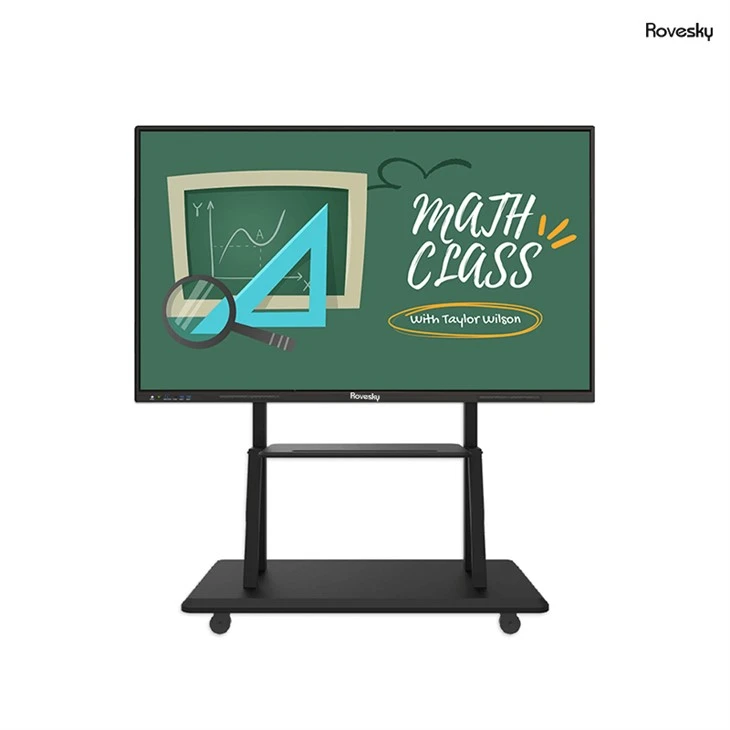
Now, I'd like to mention one of our popular products, the Factory Price 65'' 4K Touchscreen Whiteboard. This smart board is a great choice for classrooms because it offers excellent viewing angles. With its large 65-inch screen and 4K resolution, combined with wide horizontal and vertical viewing angles, every student in the class can enjoy a crystal-clear view of the content. Whether it's a math lesson with complex equations, a science class with detailed diagrams, or a language arts session with interactive stories, this smart board ensures that everyone can see it all.
In addition to the viewing angles, this smart board also has other great features. It's a touchscreen device, which means students and teachers can interact directly with the content on the screen. They can write, draw, annotate, and even play educational games. The 4K resolution provides sharp and vivid images, making the learning experience more engaging and immersive.
If you're a school administrator, teacher, or anyone involved in the education sector, and you're thinking about upgrading your classroom technology, I highly recommend considering a smart board with good viewing angles. It can make a huge difference in the way lessons are delivered and how students learn.
So, how do you choose the right smart board with the best viewing angles for your classroom? Here are a few tips. First, do some research. Look at different models and compare their viewing angle specifications. Read reviews from other educators to see what they have to say about the visibility and performance of the smart boards. Second, if possible, try to see the smart board in person. Many suppliers offer demonstrations or have showrooms where you can test out the device and see the viewing angles for yourself.
When you're at the demonstration, pay attention to how the image looks from different positions in the room. Try sitting at the sides, front, and back to see if you can still see the content clearly. Also, check for any glare or reflections on the screen. Remember, a good smart board should provide a clear view from multiple angles and in different lighting conditions.
In conclusion, viewing angles are a crucial aspect of a smart board in the classroom. They ensure that every student can access and engage with the educational content, regardless of their seating position. At our company, we're committed to providing high-quality smart boards with excellent viewing angles and other great features to enhance the learning experience.
If you're interested in learning more about our smart boards for classrooms or have any questions about viewing angles or other features, don't hesitate to get in touch. We'd be more than happy to discuss your needs and help you find the perfect smart board for your classroom. Let's work together to create a more interactive and engaging learning environment for students!
References
- Display Technology Basics: Understanding LCD and LED.
- Educational Technology Research on Smart Board Usage in Classrooms.