

Is it possible to upgrade the components of a 24 - inch All - in - one Desktop Computer?
Hey there! As a supplier of 24 - inch All - in - one Desktop Computers, I often get asked if it's possible to upgrade the components of these machines. So, I thought I'd sit down and have a good chat with you about this topic.
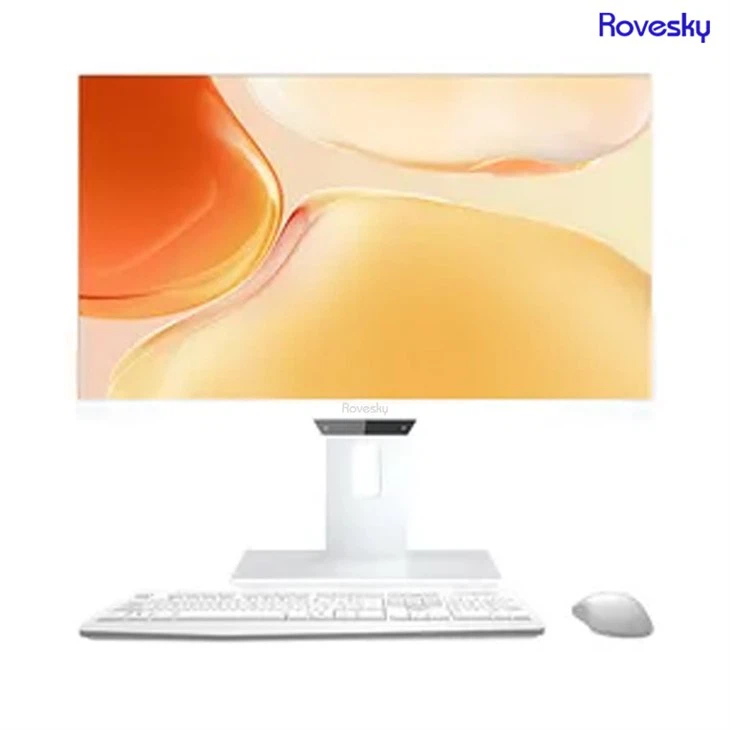
Let's start with the basics. What exactly is a 24 - inch All - in - one Desktop Computer? Well, it's a nifty little device that combines the monitor, computer components, and speakers all into one sleek unit. It's great for saving space, especially if you've got a small desk or a cozy workspace.
Now, onto the big question: Can you upgrade the components? The short answer is, it depends. Unlike traditional desktop computers, where you can easily pop open the case and swap out parts, All - in - one PCs are a bit more tricky.
CPU and GPU Upgrades
The central processing unit (CPU) and the graphics processing unit (GPU) are two of the most important components in any computer. They're like the brain and the muscles, respectively. When it comes to upgrading these in a 24 - inch All - in - one, it's usually a no - go.
Most All - in - one computers have their CPUs and GPUs soldered directly onto the motherboard. This means they're not meant to be removed or replaced. It's a cost - saving and space - saving measure on the manufacturer's part. So, if you're thinking about getting a faster processor or a more powerful graphics card to play the latest games or run resource - intensive software, you might be out of luck with a stock 24 - inch All - in - one.
Memory and Storage Upgrades
The good news is that memory (RAM) and storage (hard drive or SSD) upgrades are often possible. Many 24 - inch All - in - one computers have access panels that allow you to reach the RAM slots and the storage drive.
Upgrading the RAM can give your computer a significant performance boost. It allows your computer to handle more tasks at once without slowing down. If you're constantly running multiple applications, like a web browser, a photo - editing program, and a music player all at the same time, adding more RAM can make a world of difference.
Storage upgrades are also a popular choice. If you're running out of space for your photos, videos, and files, swapping out the old hard drive for a larger one or upgrading to a solid - state drive (SSD) can solve the problem. SSDs are much faster than traditional hard drives, which means your computer will boot up faster, and your programs will load quicker.
Display and Other Components
Upgrading the display of a 24 - inch All - in - one is extremely difficult. The display is an integral part of the unit, and it's usually custom - made to fit the specific model. So, if you're hoping to switch to a higher - resolution display or one with better color accuracy, you're probably not going to be able to do it without some serious technical know - how and a lot of time.
Other components, like the speakers and the webcam, are also generally not upgradeable. They're built into the unit and are designed to work with the specific hardware and software of the All - in - one.
Why Consider Upgrades?
You might be wondering why someone would even want to upgrade a 24 - inch All - in - one in the first place. Well, there are a few reasons.

First of all, technology is constantly evolving. What was a high - end computer a few years ago might be struggling to keep up with today's demands. Upgrading the RAM or storage can give your old All - in - one a new lease on life, allowing you to continue using it for a few more years without having to buy a brand - new computer.
Secondly, upgrading can be more cost - effective than buying a new computer. Instead of shelling out a few hundred or even a few thousand dollars for a new machine, you can spend a fraction of that on a memory or storage upgrade.
Our Offerings
At our company, we're all about providing high - quality 24 - inch All - in - one Desktop Computers. One of our top products is the Rovesky 24 - Inch All - in - One Portable Desktop PC. It's a great option for those who need a reliable and portable computer for work or home use.
We also offer 27 inch All in one Computer direct Factory Price for those who want a larger display. Our products are built with quality components, and while some upgrades might be limited, we strive to make sure that you get the best performance out of your All - in - one.
Contact Us for Procurement
If you're interested in purchasing our 24 - inch All - in - one Desktop Computers or have any questions about upgrades, we'd love to hear from you. Whether you're a small business looking to outfit your office or an individual in need of a new computer, we can help you find the right solution.
Reach out to us for a friendly chat and let's start the procurement process. We're here to make sure you get the best value for your money and a computer that meets your needs.
References
- "All - in - One Computers: What Are They and How Do They Work?" by TechRadar.
- "Upgrading Your All - in - One PC: What You Need to Know" by PCMag.