

How to recover data from a crashed 16inch Industrial Panel Computer?
Hey there! As a supplier of 16 - inch industrial panel computers, I've seen my fair share of tech troubles. One of the most common headaches for our customers is data recovery from a crashed 16 - inch industrial panel computer. It's a real pain in the neck, but don't worry; I'm here to walk you through the process.
Understanding the Problem
First things first, we need to figure out what went wrong. A crashed industrial panel computer can be a result of various issues. Hardware failures like a damaged hard drive, overheating, or power surges can cause data loss. Software problems such as corrupted operating systems, malware infections, or incorrect driver installations are also culprits.
Check the Basics
Before diving into complex recovery methods, let's start with the basics. Is the power supply working? Sometimes, a loose power cable or a faulty power adapter can make it seem like the computer has crashed when it's just not getting power. Check all the connections and make sure the power indicator lights are on.
If the power is fine, take a look at the display. A blank screen doesn't always mean the computer is dead. It could be a problem with the display settings or the monitor itself. Try adjusting the brightness and contrast settings or connecting the panel computer to an external monitor to see if it works.
Hardware - Related Data Recovery
If the issue seems to be hardware - related, here's what you can do. For a hard drive problem, you might need to physically remove the drive. Most 16 - inch industrial panel computers are designed for easy access to internal components. But before you start taking things apart, make sure you have the right tools and follow proper anti - static procedures to avoid damaging other parts.
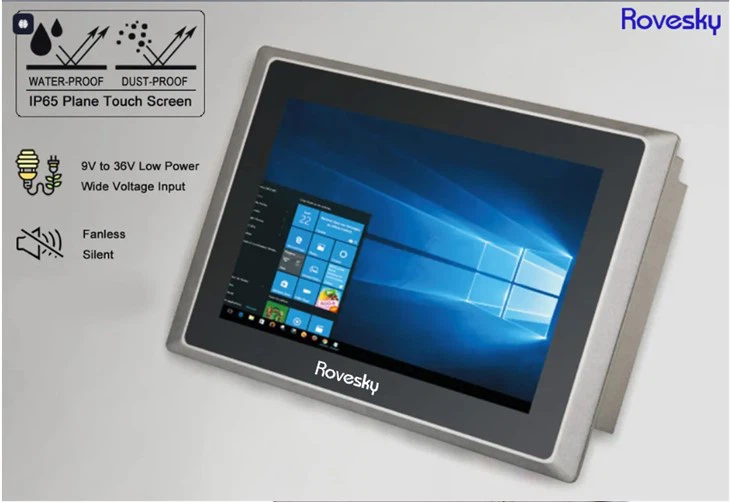
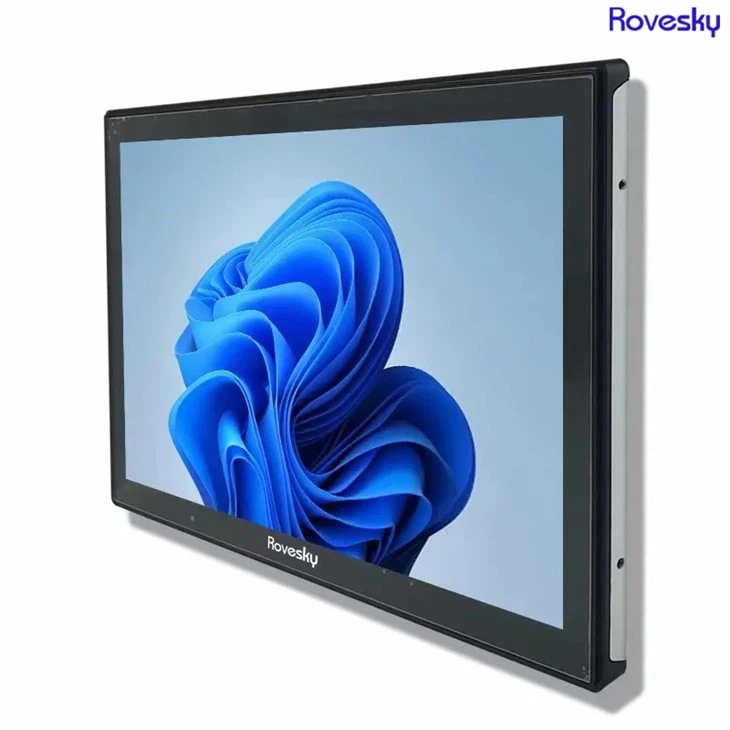
Once you've removed the hard drive, you can connect it to another computer using a hard drive enclosure or a SATA - to - USB adapter. This way, you can try to access the data on the drive. If the drive is recognized by the other computer, you can copy the important files to a safe location.
However, if the hard drive is physically damaged, like making strange noises or not being recognized at all, you might need to seek professional help. There are data recovery services that specialize in dealing with damaged hard drives. They have the equipment and expertise to recover data from even severely damaged drives.
Software - Related Data Recovery
Software issues are often easier to fix than hardware problems. If the operating system is corrupted, you can try using a recovery disk or a bootable USB drive. Many industrial panel computers come with a recovery option built - in. You can usually access it by pressing a specific key during startup, like F8 or F11.
If you don't have a recovery disk, you can create one on another computer. There are many tools available online that can help you create a bootable USB drive with a recovery environment. Once you've booted from the recovery disk or USB drive, you can try repairing the operating system or performing a system restore to a previous point when the computer was working fine.
Malware infections can also cause data loss. In this case, you'll need to run a full - fledged antivirus scan. Make sure you use a reliable antivirus program and update it before running the scan. If the malware has encrypted your files, you might need to use a decryption tool. Some antivirus programs come with built - in decryption features, or you can look for third - party decryption tools online.
Preventive Measures
Of course, the best way to deal with data loss is to prevent it from happening in the first place. Regularly backing up your data is crucial. You can use an external hard drive, a network - attached storage (NAS) device, or a cloud storage service. Set up an automatic backup schedule so that you don't have to remember to do it manually.
Also, keep your operating system and software up - to - date. Software updates often include security patches that can protect your computer from malware and other threats. And make sure you have a good power supply unit to protect your computer from power surges.
Our Products
As a supplier of 16 - inch industrial panel computers, we offer high - quality products that are designed to be reliable and durable. But even the best computers can have problems sometimes. That's why we're here to support you through the data recovery process.
If you're in the market for a new industrial panel computer, we also have the 16'' 19 inch Industrial Panel Computer. And if you need a larger size, check out our Buy Direct Factory Price' 19 inch Industrial Panel Computer. Customization OEM/ODM. We can customize the computers according to your specific requirements, whether it's for a manufacturing plant, a control room, or any other industrial application.
Get in Touch
If you're facing data recovery issues with your 16 - inch industrial panel computer or if you're interested in purchasing our products, don't hesitate to reach out. We have a team of experts who can provide you with technical support and help you find the right solution for your needs. Whether it's data recovery advice or information about our products, we're here to assist you.
References
- TechTarget. (n.d.). Data recovery. Retrieved from various tech - related articles on TechTarget.
- PCMag. (n.d.). Guide to data backup and recovery. Retrieved from PCMag's technology guides.
- Manufacturer's manuals for 16 - inch industrial panel computers.