

How to clean a smart mobile display screen?
Hey there! As a supplier of smart mobile display screens, I've seen my fair share of dirty and smudged screens. And let me tell you, a clean screen not only looks better but also enhances the overall viewing experience. So, in this blog post, I'm gonna share some tips on how to clean a smart mobile display screen properly.

First things first, before you start cleaning, make sure your device is turned off. This is crucial as it prevents any electrical damage and also makes it easier to see the dirt and smudges. You don't want to accidentally damage your screen while it's on, right?
Now, let's talk about the tools you'll need. You don't need anything fancy or expensive. A microfiber cloth is your best friend here. These cloths are soft and won't scratch the screen. You can find them at most electronics stores or even online. Avoid using paper towels, tissues, or any rough materials as they can leave scratches on the screen.
If your screen has just a few fingerprints or light dust, a dry microfiber cloth will do the trick. Gently wipe the screen in a circular motion, starting from the center and working your way out. This helps to spread the dirt evenly and makes it easier to remove. Don't press too hard, though. You just want to use enough pressure to pick up the dirt.
For stubborn stains or sticky residue, you might need to use a little bit of cleaning solution. But be careful! Not all cleaning solutions are safe for smart mobile display screens. You can make your own solution by mixing a small amount of distilled water with a few drops of mild dish soap. Make sure the soap is free of any harsh chemicals or abrasives.
Dampen your microfiber cloth with the cleaning solution. Make sure it's not soaking wet, just slightly damp. Then, gently wipe the affected area of the screen. Again, use a circular motion and be careful not to get any liquid into the edges or ports of your device. After you've wiped the screen, use a dry microfiber cloth to remove any remaining moisture.
Another thing to keep in mind is to avoid using alcohol-based cleaners. Alcohol can damage the anti-glare or anti-fingerprint coating on the screen. Also, stay away from ammonia-based cleaners as they can cause discoloration.
Now, let's talk about some specific types of smart mobile display screens. For example, if you have a touch screen, you need to be extra careful. Touch screens are more sensitive and can be easily damaged. When cleaning a touch screen, use a very light touch and avoid applying too much pressure.
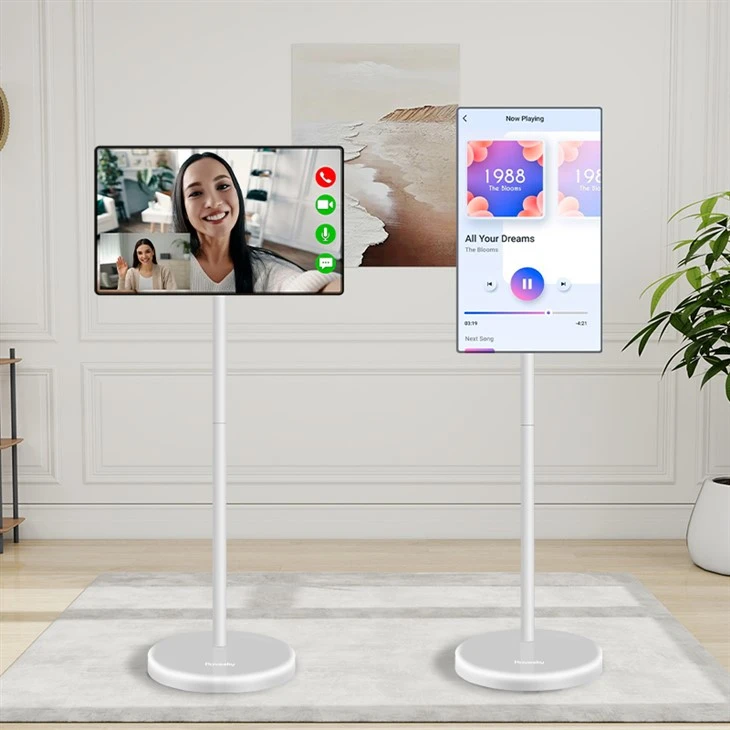
If you're using a smart mobile display screen as part of a Rovesky 27-Inch Stand By Me Smart Portable TV, the cleaning process is similar. Just make sure to follow the manufacturer's instructions. The same goes for a Smart Tv 32inch, 4k, Portable Smart Monitor, Touch Screen or a Rovesky 23.8-Inch Stand By Me Smart Portable TV.
Regular cleaning is important to keep your smart mobile display screen in top condition. Try to clean your screen at least once a week, especially if you use it frequently. This will prevent dirt and grime from building up and keep your screen looking like new.
In addition to cleaning the screen itself, you should also take care of the surrounding area. Dust and debris can accumulate around the edges of the screen and even inside the ports. Use a can of compressed air to blow out any dust from the ports and crevices. Just make sure to hold the can upright and follow the instructions on the can.
So, there you have it! These are some simple tips on how to clean a smart mobile display screen. By following these steps, you can keep your screen clean, clear, and looking great for years to come.
If you're in the market for a new smart mobile display screen, we're here to help. We offer a wide range of high-quality screens that are perfect for all your needs. Whether you're looking for a small portable screen or a large high-resolution one, we've got you covered. If you're interested in learning more about our products or have any questions, feel free to reach out and start a procurement discussion with us. We're always happy to talk to potential customers and find the best solutions for you.
References
- Electronics cleaning guides from major electronics manufacturers
- Tips from industry experts on maintaining smart mobile devices