

Can I use a wireless keyboard and mouse with my smart television?
Hey there! As a TV supplier, I often get asked this question: "Can I use a wireless keyboard and mouse with my smart television?" Well, let's dive right into it and find out.
First off, the short answer is yes, in most cases, you can use a wireless keyboard and mouse with your smart TV. But like with most things in tech, there are a few things to consider.
Compatibility
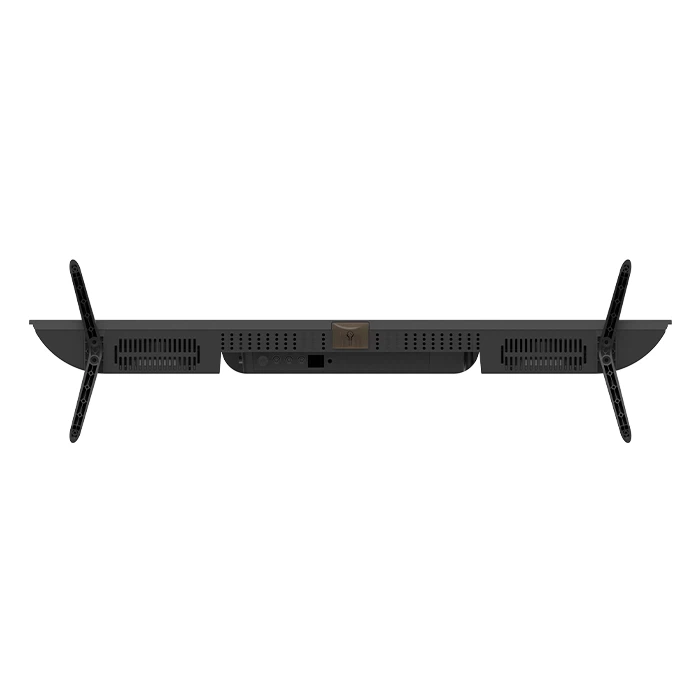
The first thing you need to check is the compatibility between your smart TV and the wireless keyboard and mouse. Most modern smart TVs come with Bluetooth or USB ports, which are the two main ways to connect these devices.
If your TV has Bluetooth, it's super easy. Just turn on the Bluetooth function on your TV and your wireless keyboard and mouse. Usually, there's a button on the keyboard or mouse to put it in pairing mode. Once it's in pairing mode, your TV should detect it, and you can just follow the on - screen prompts to complete the pairing.
On the other hand, if your TV doesn't have Bluetooth but has USB ports, you can use a wireless keyboard and mouse that comes with a USB receiver. Just plug the receiver into one of the USB ports on your TV, and it should start working right away. However, not all TVs support USB input for non - storage devices. Some older models might only recognize USB flash drives or external hard drives, so it's a good idea to check your TV's manual.
Benefits of Using a Wireless Keyboard and Mouse with Your Smart TV
Now, you might be wondering why you'd even want to use a keyboard and mouse with your TV. Well, there are several benefits.
1. Better Navigation
Using a remote control to navigate through apps, type in search queries, or fill out forms on your smart TV can be a real pain. It's slow and often inaccurate. A keyboard and mouse make navigation so much easier. You can quickly type in the name of a movie you want to watch, or use the mouse to click on different icons and menus with precision.
2. Gaming
If you're into gaming on your smart TV, a keyboard and mouse can give you a competitive edge. Many smart TVs support casual games, and having a keyboard and mouse can make the gaming experience more immersive and responsive. You can move faster, aim more accurately, and perform complex actions that are difficult to do with a regular TV remote.
3. Productivity
Believe it or not, you can use your smart TV for some basic productivity tasks. You can connect to the internet, open web - based documents, and even work on spreadsheets. With a keyboard and mouse, it's like having a mini - computer right on your big - screen TV.
Our Product Recommendations
As a TV supplier, I'd like to recommend some of our great products that work well with wireless keyboards and mice.
The Rovesky 32 - Inch Smart Android TV is a fantastic choice. It has built - in Bluetooth, so you can easily pair it with a wireless keyboard and mouse. This TV also has a powerful Android operating system, which means you can access a wide range of apps, from streaming services to games.
If you're a gamer, the Rovesky 32 - Inch Curved Gaming Monitor – 240Hz is a dream come true. It has a high refresh rate, which reduces motion blur and makes the gaming experience smoother. And of course, it's compatible with wireless keyboards and mice, so you can fully immerse yourself in the game.
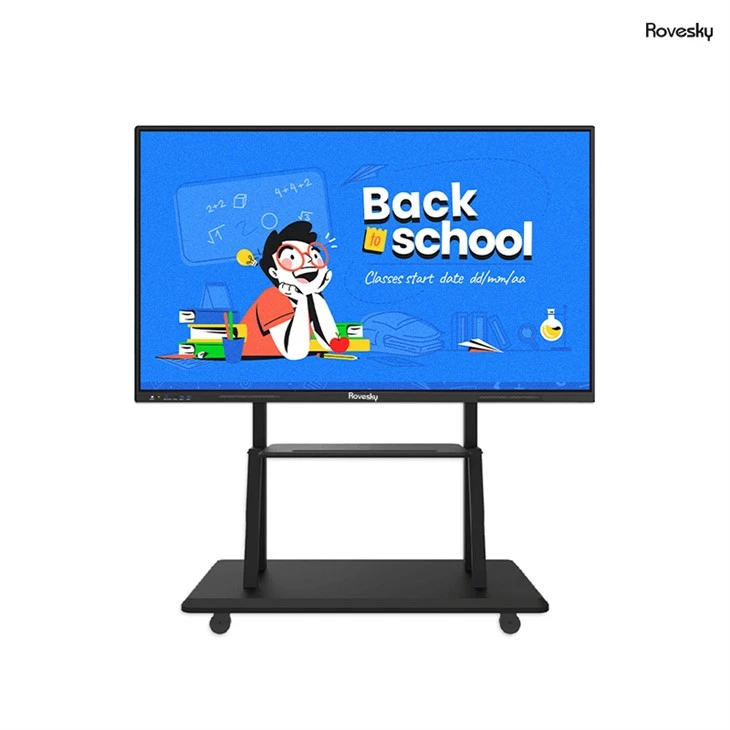
For those who need a large - screen display for presentations or other professional uses, the Rovesky 65'' 4K Touchscreen Whiteboard is a great option. You can connect a wireless keyboard and mouse to it, allowing you to easily control and interact with the content on the screen.
Potential Issues
While using a wireless keyboard and mouse with your smart TV is generally a great idea, there can be some potential issues.
1. Lag
Sometimes, you might experience a slight lag between the actions you take on the keyboard or mouse and the response on the TV screen. This can be caused by a weak Bluetooth signal or a slow USB connection. If you're experiencing lag, try moving the keyboard and mouse closer to the TV or changing the USB port.
2. Software Compatibility
Some apps on your smart TV might not be fully optimized for keyboard and mouse input. This means that certain functions might not work as expected, or the layout might be a bit off. In most cases, you can still use the app with the keyboard and mouse, but it might not be as seamless as using a remote control.
Tips for a Smooth Experience
Here are some tips to ensure that you have a smooth experience when using a wireless keyboard and mouse with your smart TV.
1. Keep Your Devices Updated
Make sure that your TV's software, as well as the firmware of your keyboard and mouse, are up - to - date. Manufacturers often release updates to improve compatibility and performance.
2. Use High - Quality Devices
Invest in a good - quality wireless keyboard and mouse. Cheaper models might have more issues with connectivity and performance.
3. Adjust the Settings
Some smart TVs allow you to adjust the input settings for the keyboard and mouse. You can change the cursor speed, sensitivity, and other settings to suit your preferences.
Contact Us for Purchasing and Negotiation
If you're interested in purchasing any of our products, such as the Rovesky 32 - Inch Smart Android TV, the Rovesky 32 - Inch Curved Gaming Monitor, or the Rovesky 65'' 4K Touchscreen Whiteboard, and want to have a discussion about pricing, customization, or other details, don't hesitate to reach out to us. We're here to help you find the best solution for your needs.
References
- TV User Manuals: The official manuals of various smart TV models can provide detailed information about device compatibility and input settings.
- Manufacturer Websites: Information from the manufacturers of wireless keyboards and mice can also be a valuable resource for understanding their products' capabilities and compatibility with smart TVs.